ImageFragmenter.app
published September 2025
check it out!React
JavaScript
Python
Tailwind CSS
UI Design
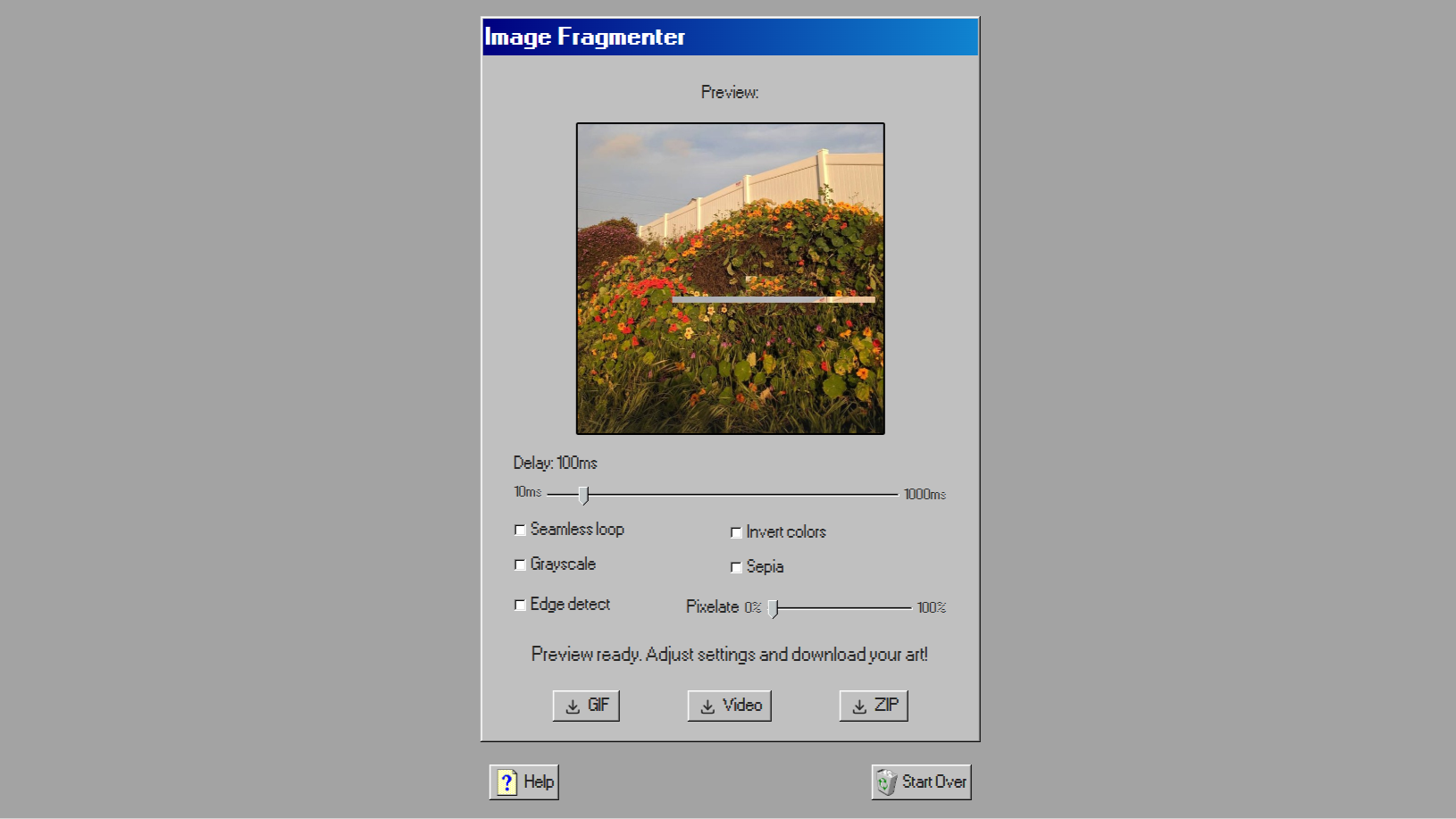
After playing around with some image manipulation code in Python, I decided it would be fun to publish it as a web app for other people to play around with it! What started as a personal experiment became a free creative tool that artists, video editors, and musicians around the world have made their own.
The Process
The idea behind ImageFragmenter is simple: randomly crop a rectangular section of an image, paste it somewhere unexpected on the original, and repeat. Each frame builds on the last, creating a layered, glitchy animation that feels different every time. I originally wrote this as a Python script just to see what would happen, and the results were interesting enough that I wanted more people to be able to play with it.
1 2 3 4 5 6 7 8 9 10 11 12 13 14 15 16 17 18 19 20 21 22 23 24 25 26 27 28 29 30 31 32 33 34 35 36 37 38 39 40 41 42 43 44 45 46 47 48 49 50import argparse from PIL import Image import random import string import os import imageio.v3 as iio NUM_LOOPS = 40 DURATION = 5 def create_images(image_filepath): original = Image.open(image_filepath) img = original.copy() filenames = [] dir_name = ''.join(random.choices( string.ascii_letters + string.digits, k=8)) os.mkdir(dir_name) img.save(f'./{dir_name}/img0.jpg') filenames.append(f'./{dir_name}/img0.jpg') width, height = img.size for i in range(NUM_LOOPS): left = random.randint(0, width) top = random.randint(0, height) right = left + random.randint(0, (width-left)) bottom = top + random.randint(0, (height-top)) crop = original.crop((left, top, right, bottom)) img.paste(crop, (random.randint(0, width), random.randint(0, height))) filename = f'./{dir_name}/img{i+1}.jpg' img.save(filename) filenames.append(filename) images = [] for file in filenames: images.append(iio.imread(file)) iio.imwrite(f"./{dir_name}/animation.gif", images, duration=500, loop=0) if __name__ == "__main__": parser = argparse.ArgumentParser(prog="imageCropReplicator") parser.add_argument("image_file", help="Path to the input image file.") args = parser.parse_args() image_filepath = args.image_file create_images(image_filepath)
Since I'm more fluent in React than Python for web apps, I converted the core logic to JavaScript and built it out as a browser-based tool. For the design, I found the 98.css design system created by Jordan Scales. It's a design system that recreates the Windows 98 UI, which gave the site the nostalgic feel I was looking for.
What I Built
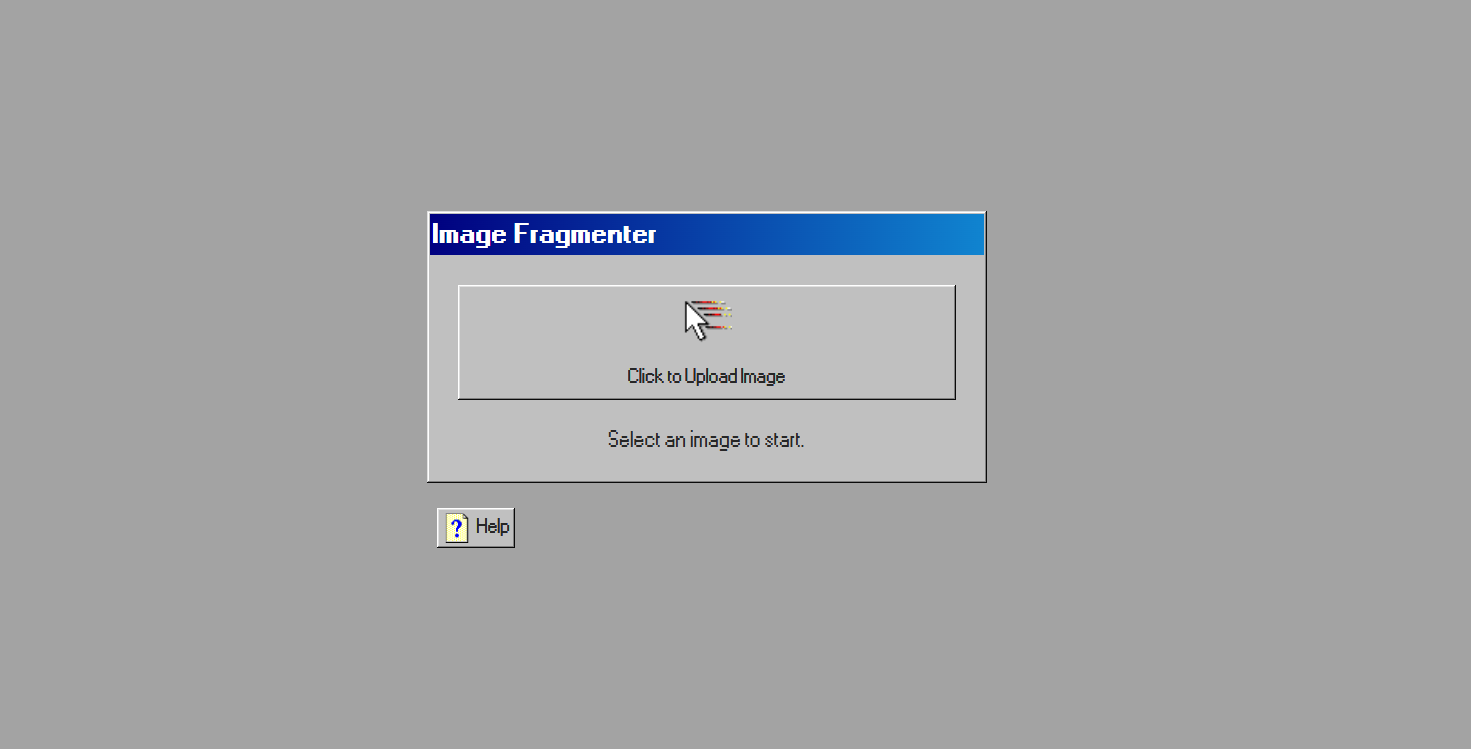
After uploading an image, users can view a gif preview of the frames generated using the crop & paste process. They can change the delay, and add a variety of image effects: invert colors, grayscale, sepia, pixelate, and detect edge. Users can also choose to enable the seamless loop option, which plays the frames start-to-end, then end-to-start. The final result can be exported as a GIF, video, or ZIP folder of the individual frames.
Tech stack: React, JavaScript, Tailwind CSS (+ 98.css)
To see the source code, visit the GitHub repository.
The Result
I shared ImageFragmenter on Instagram in September 2025 and the response was far beyond anything I expected...the video went viral and now has over 2 million views! People started using ImageFragmenter in their video edits, music visuals, art projects, and more, and shared them with me via social media. The repo has been starred and forked by developers who've built on top of the original concept. It's been such an amazing experience!
In May 2026, ImageFragmenter will be featured in Slanted Magazine #47: Digital Tools, a publication focused on international design, typography, and culture.