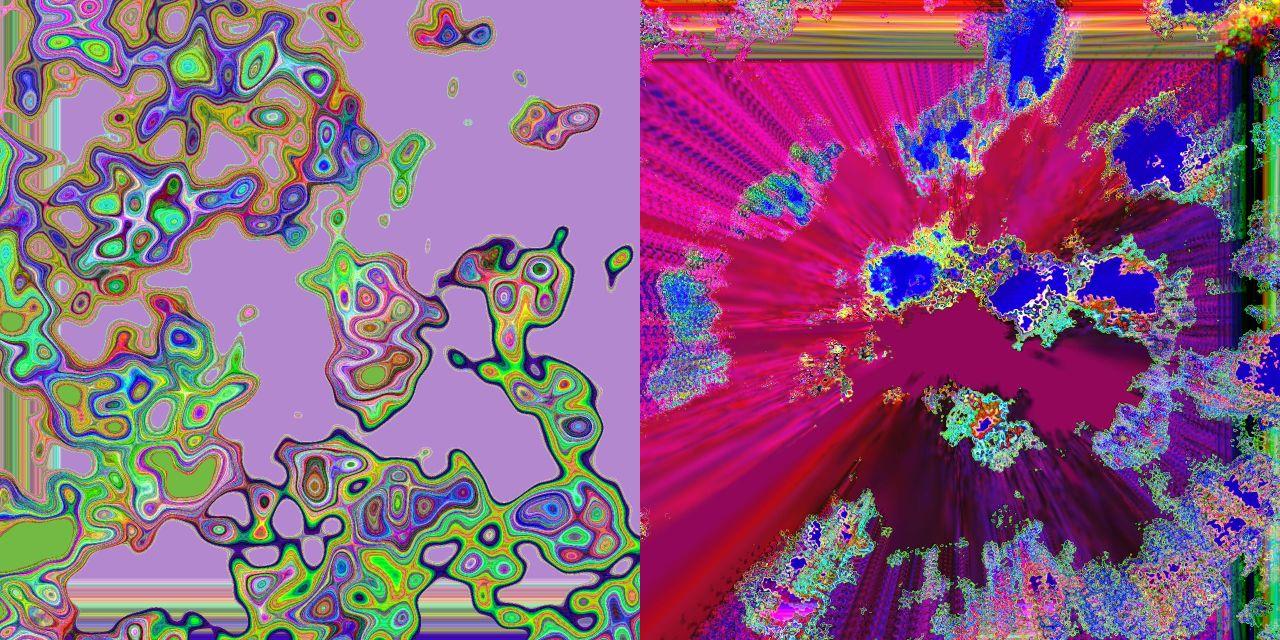
Just having some fun with the Noise TOP in TouchDesigner!
Pulsing Noise 1
Pulsing Noise 2
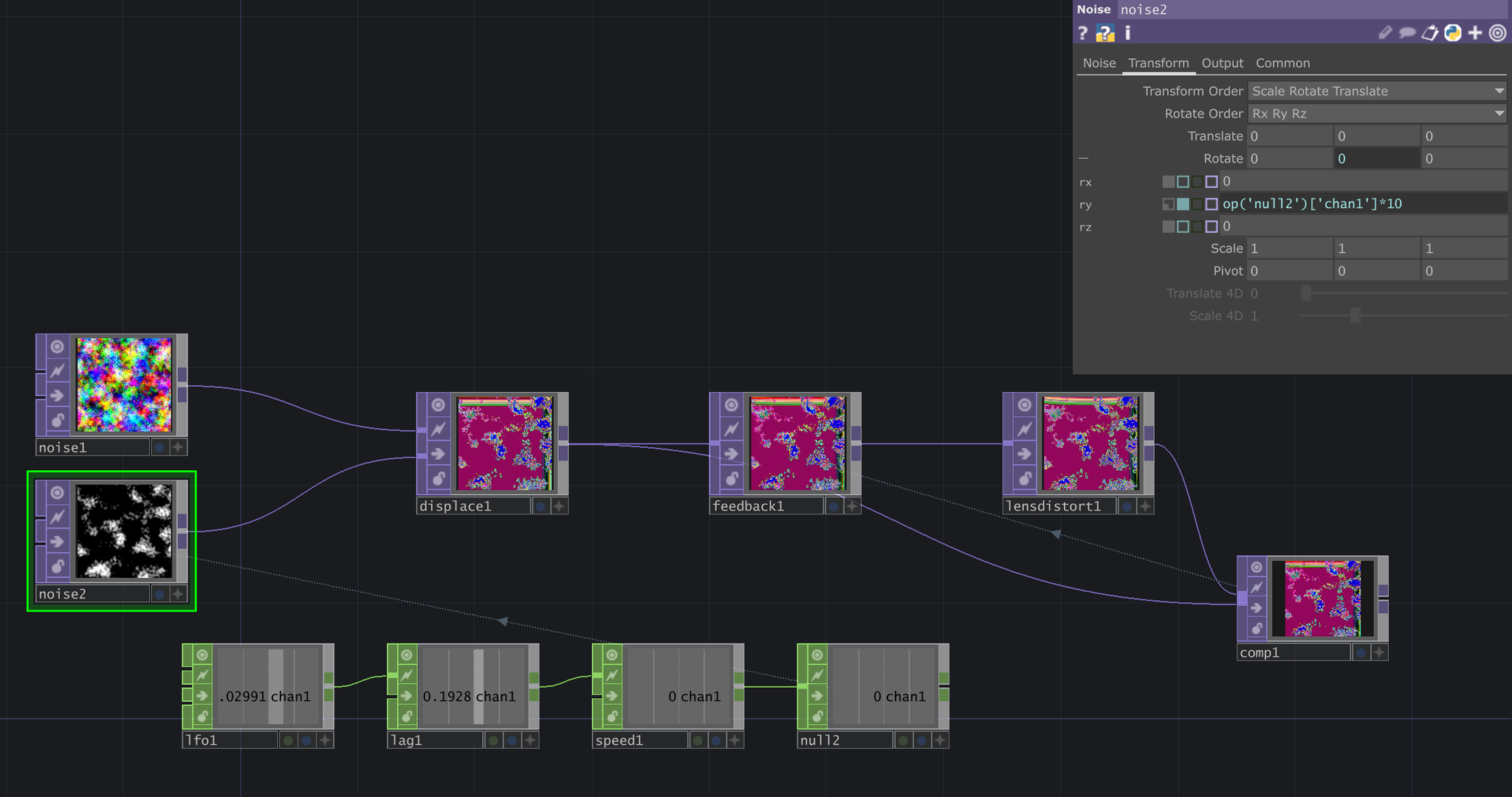
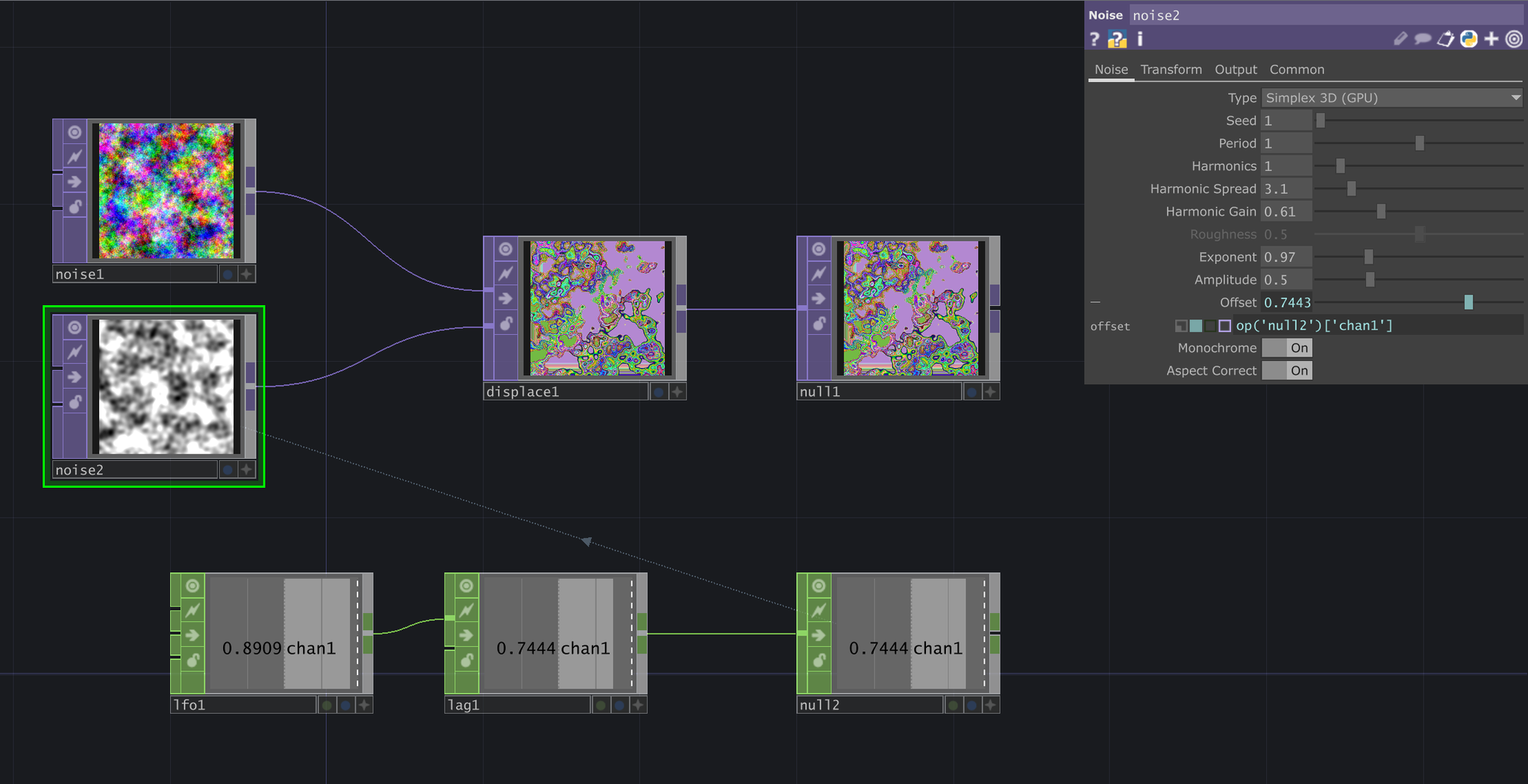
In the first visual, I started by feeding two Noise TOPs into a Displace TOP. This displaces noise1 using the patterns created in noise2. To add movement, I used an LFO CHOP + Lag CHOP to create a pulsing motion, then I referenced that in the noise2 Offset value.
The second visual started very similarly with two Noise TOPs into a Displace TOP. However, the CHOP sequence included an additional element: the Speed CHOP. This takes the value from the LFO + Lag CHOP combination and adds it onto itself, meaning the value is always increasing (rather than a back-and-forth pulse). The output from the Displace TOP is fed into a Feedback TOP, Lens Distort TOP, and Composite TOP. This feedback loop creates the effect that the visual is moving towards the viewer's perspective, while the CHOP sequence creates a subtle pulsing motion on top of that.